



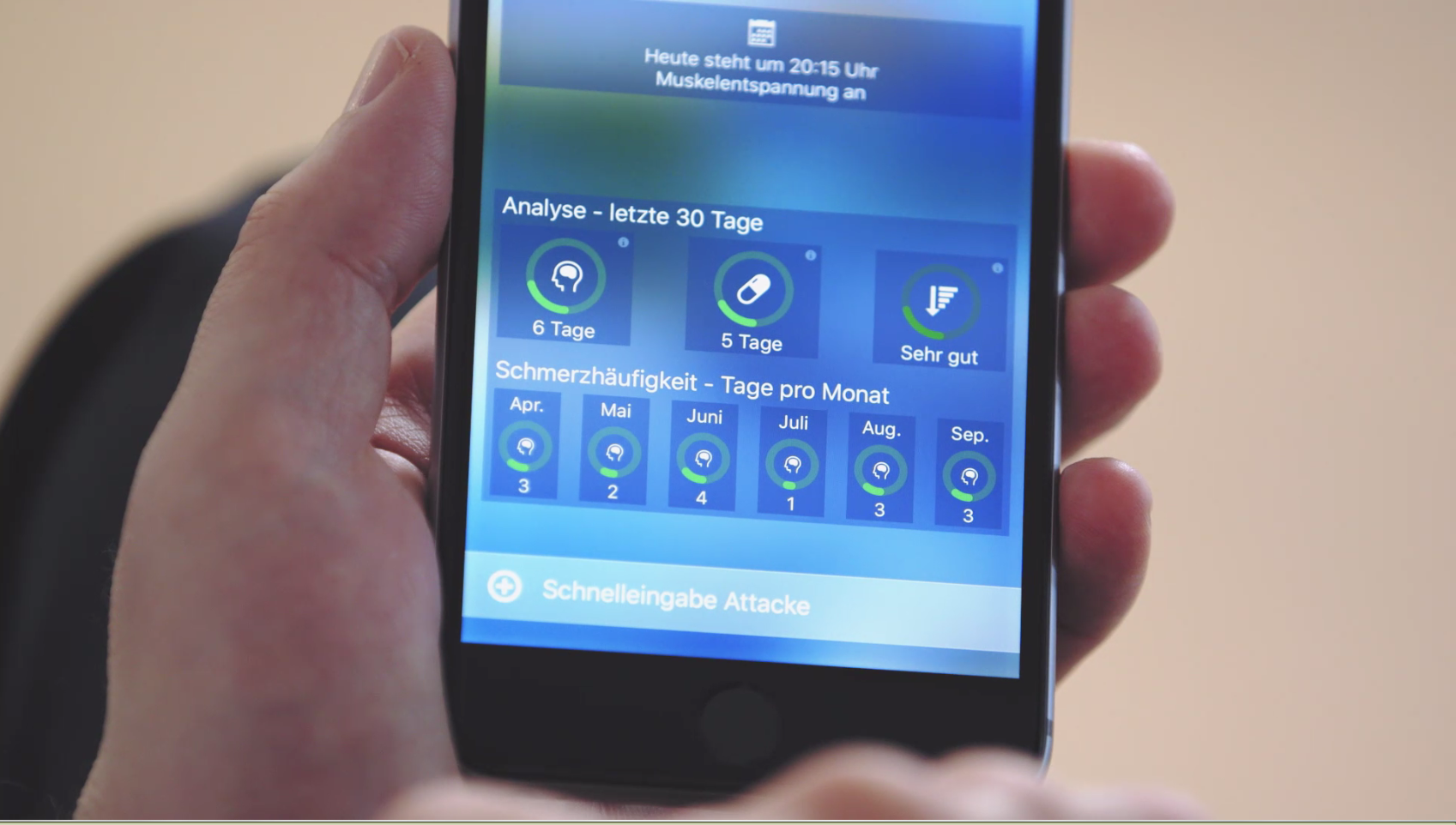

“Better Open With” app
Some users of the migraine app on Android are asking what to do when the migraine app prompts them to open files (e.g., PDFs, MP3s, WAV files, etc.) or links. This is standard Android behavior when multiple apps are available for a single function, such as opening a PDF or viewing a photo. The first time you open a file, Android presents you with two options: "Open with this app only once" or "Always use this app as the default." Because the migraine app needs to be able to open music files, videos, PDFs, and backup files, your operating system might suggest using the migraine app to open such files, even if you don't want it to. Some users unfamiliar with this operating system feature mistakenly believe this is a bug in the migraine app. This is not the case; it's a feature of Android designed to offer you as many choices and as much freedom as possible. You can find more detailed instructions on how to set or delete default apps on Android here:
https://support.google.com/android/answer/9415055?hl=de
However, you can do this much more easily with the Better Open With Android app. You can find the app for free here in the Google Play Store
The app “Better Open With” replaces and expands upon the basic Android app selection: you can choose a default app that will open if you haven't selected another one after a specified period. Currently, the app can be activated for various common programs and file types – including music and video players, music and video streams, as well as PDF readers and browsers. So, if your operating system wants to open PDFs with your migraine app or another app, but you want a specific app to be the default, you can simply select that app and exclude your migraine app. If you have many different apps on your device, you'll greatly appreciate “Better Open With”.




Leave a comment